| Classification: | Reference: | Date: |
| EL19-039 | NTB19-084 | October 29, 2019 |
VOLUNTARY RECALL CAMPAIGN
2018-2019 ARMADA; DISPLAY CONTROL UNIT (INFOTAINMENT) SOFTWARE UPDATE
Check Service COMM or Dealer Business Systems (DBS) National Service History to confirm campaign eligibility.
INTRODUCTION
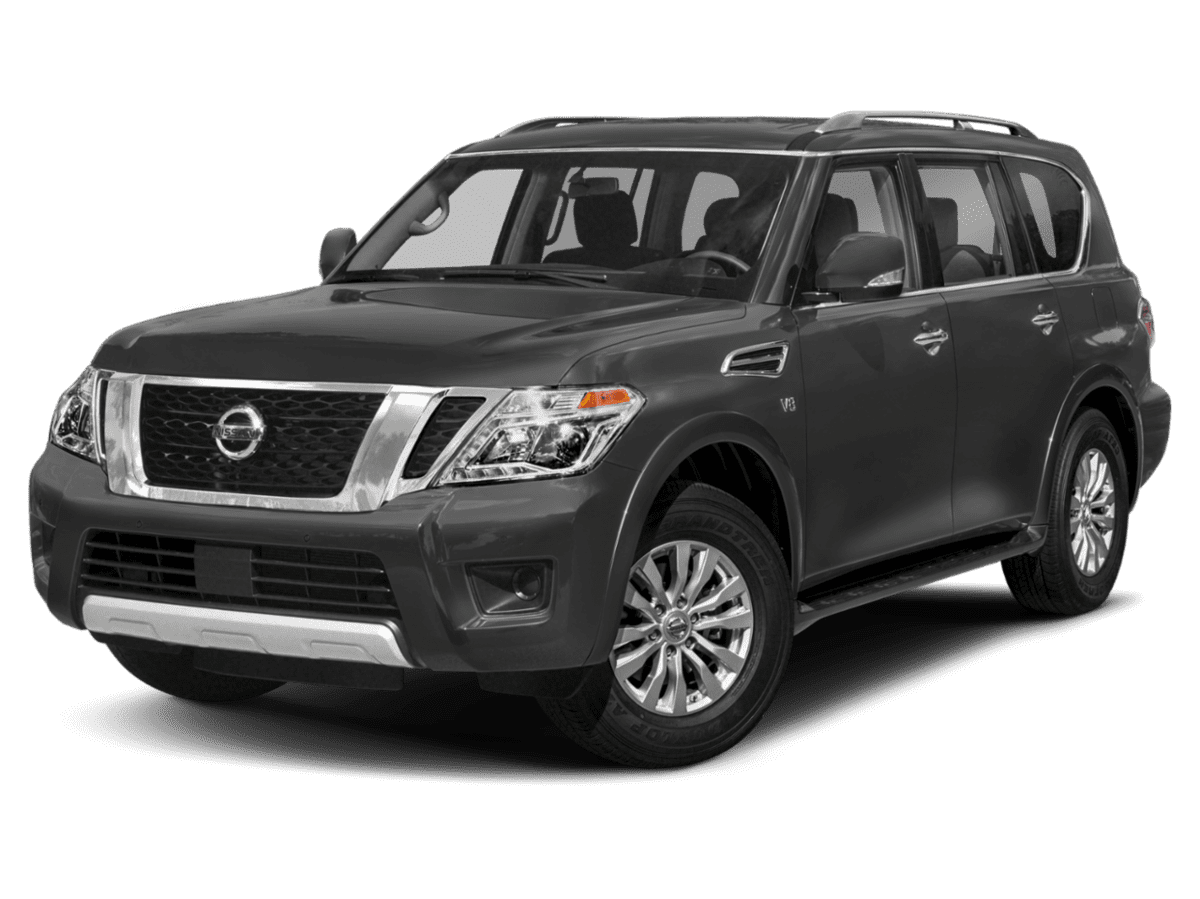
Nissan is conducting this voluntary recall campaign on certain specific model year 2018-2019 Armada vehicles. The display control unit (DCU) will be reprogrammed. This service will be performed at no charge to the customer for parts or labor.
IDENTIFICATION NUMBER
Nissan has assigned identification number R1911 to this campaign. This number must appear on all communication and documentation of any nature dealing with this campaign.
DEALER RESPONSIBILITY
It is the dealer’s responsibility to check Service COMM or Dealer Business Systems (DBS) National Service History for the campaign status on each vehicle falling within the range of this voluntary recall which for any reason enters the service department. This includes vehicles purchased from private parties or presented by transient (tourist) owners and vehicles in a dealer’s inventory. Federal law requires that new vehicles in dealer inventory which are the subject of a recall must be corrected prior to sale. Failure to do so can result in civil penalties by the National Highway Traffic Safety Administration. While federal law applies only to new vehicles, Nissan strongly encourages dealers to correct any used vehicles in their inventory before they are retailed.
REQUIRED SPECIAL TOOL
- One special tool USB drive J-52812-3 with ID card has been shipped to each dealer (see Figure 1).
- Additional USB drives are available from TechMate: nissantechmate.com or 1-800-662-2001.
IMPORTANT
It is highly recommended that the provided campaign USB drive, J-52812-3, be used.
HINT:
- If unavailable, the reprogramming software may be downloaded onto special tool USB drive J-52727-1 using the Infotainment Software Download procedure.
- Special tool USB drive J-52727-1 has also been shipped to each dealer.
- Click here to access the Infotainment Software Download procedure. After the software has been downloaded, continue to step 1 below.
SERVICE PROCEDURE
Update the Display Control Unit
- Start the engine, and then wait 60 seconds for the audio system to load.
HINT:
- The engine needs to idle for the duration of the update to retain battery charge.
- If vehicle battery voltage becomes too low, the reprogram may not complete.
- Open the Settings Menu, and then select Bluetooth.
- The Settings menu is accessed with the hard button located on the display.
- Select Connect Device from the Bluetooth Settings
HINT: If no connected devices are present, Figure 9 (page 6) will display.
- Check for devices in the Device List:
- YES, one or more devices are listed: Select a device, and then proceed to step 5.
- NO, there are no listed devices: Skip to step 7.
IMPORTANT: All paired (listed) devices must be deleted before proceeding to step 7.
- Select Delete.
HINT: The following screens will be displayed while a paired device is being deleted.
- The first screen will show “Deleting…” followed by the device name.
- The second screen will show information regarding repairing the Bluetooth®
- Check for additional devices in the Device List:
- YES, there are more listed devices: Perform steps 4 and 5 until all listed devices are deleted.
- NO, there are no listed devices: Proceed to step 7.
IMPORTANT: All paired (listed) devices must be deleted before proceeding to step 7.
- Figure 9 will be displayed when all listed devices have been deleted.
- Insert special tool J-52812-3 into the vehicle’s USB media port (see Figure 10).
- Do not remove the USB drive during the update to the vehicle until instructed.
HINT: Charging ports are marked in the vehicle with a “lightning bolt” symbol.
Do not insert the USB drive into a charging port. If used, the update software and/or USB drive may become damaged. Only insert the USB drive in a USB media port.
- Wait approximately 10-30 seconds for the screen in Figure 12 or Figure 13 to appear.
- If the screen shown in Figure 12 appears, proceed to step 9 below.
- If the screen shown in Figure 13 appears, then no software update is available. Remove special tool J-52812-3, and then go to step 15.
- Select Yes to begin the software update.
- Wait for the update to complete.
- Follow the on-screen instructions while waiting.
HINT: The update lasts 1-2 minutes.
- Once the update is complete, remove special tool J-52812-3, and then select Restart.
Steps 12-15 must be completed. If they are not completed, the update may become corrupted.
- Allow the reboot to complete (2-5 minutes after selecting Restart).
- Once the reboot has completed, turn OFF the engine, and then wait three (3) minutes.
- Start the engine and allow the vehicle to run for two (2) minutes.
- Turn OFF the engine.
CLAIMS INFORMATION
Submit a “CM” line claim using the following claims coding:
| CAMPAIGN (“CM”) ID | DESCRIPTION | OP CODE | FRT |
| R1911 | Inspect And Reprogram DCU | R19112 | 0.4 |
| DCU Reprogramming Not Needed | R19113 | 0.2 |
AMENDMENT HISTORY
| PUBLISHED DATE | REFERENCE | DESCRIPTION |
| October 29, 2019 | NTB19-084 | Original bulletin published |
Remedy Instructions and TSB
RCRIT-19V654-0554.pdf 2363.814KB
Nissan Navigation Updates
navigation system map updates and related products for your Nissan vehicle

- Genuine OEM Nissan Map Data SD Memory Card
- Manufacturer Part Numbers: 25920-9HM0A, 25920-9HM0B, 25920-9HS0A, 5920-9HT0A
- Is A Direct Fit For The Following: 9403-06-8419
- Nissan Juke 2016-2017 Nissan Rogue Sport 2017-2018 Nissan Versa Note 2015-2017 Nissan Versa 2015-2017 Nissan NV1500 2015-2018
- Nissan NV2500 2015-2018 Nissan NV3500 2015-2018 Nissan Titan XD 2016-2018 Nissan Titan 2017-2018


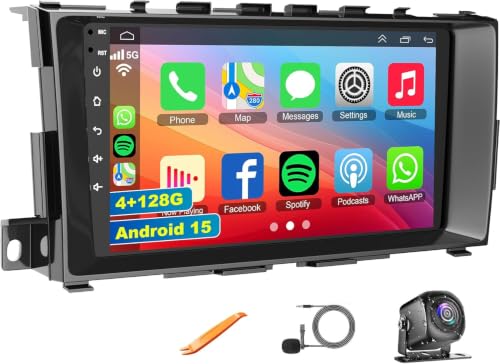
- ✅【Car Radio for 2013-2018 Nissan Altima】Easy to install and use radio dash kit is perfect fits your Nissan Altima 2013 2014 2015 2016 2017 2018 year car model. The package includes Altima radio unit, power cable, free HD 1080P backup camera, external microphone, GPS antenna etc ( If your car has a left and right rearview and 360° panoramic image, the car stereo is not compatible.)
- ✅【Wireless Carplay and Android Auto】This Altima Upgrade Replacement is compatible with wireless/wire apple CarPlay and Android Auto, you can make calls hands-free with the help of Siri or Goo-gle assistance, easy to get phone contacts, emails, notifications, map navigation, music, videos and more
- ✅【GPS Navigation & WIFI】The GPS Navigation Head Unit built-in GPS module and external GPS antenna for online or offline map navigation. Offline map data preloaded, ready to use after installation,includes voice and visual turn-by- directions 11 million+ POI library, 2D & 3D routes, fuel tracker. this car radio also supports WIFI Hot-spot connection
- ✅【Android 15 System and 4GB+128GB】Our Android 15.0 car audio receivers with 9 inch IPS Touch Screen built-in 4G RAM + 128G ROM system, ensures smooth operation and faster response. WiFI, Network, On-line surfing Available. After connected to WiFi or personal Hotspot, this Car Stereo allows you install android Apps from Application Store.
- ✅【Bluetooth Function& Steering Wheel Control】This Bluetooth5.2 radio supports answering/ making Bluetooth phone calls with hands-free. The built-in microphone picks up your voice and your car speaker can help you hear the person on the other side clearly. Use the steering wheel buttons to control the car audio, which is more convenient for operation and safer for driving
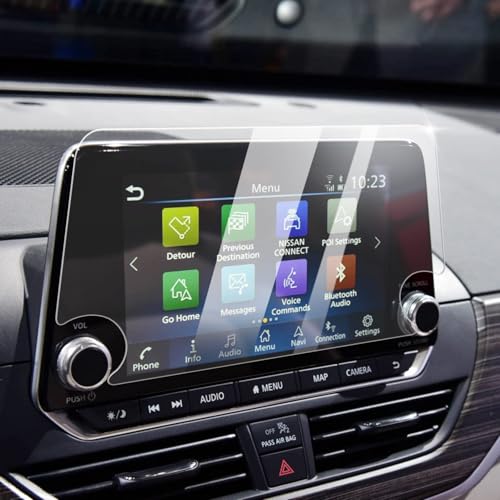
- Compatible Vehicles of Screen Protector: It is compatible with Nissan Altima 2.5 Platinum/SL/SV 2019-2022, 2.5 SR 2019-2025. For Rogue S/SV 2021-2025 2026 and Rogue Rock Creek 2026. Also For Sentra SR/SV 2020-2025 2026, which comes with 8-inch touchscreen (Not For Rogue Sport and Rogue Platinum/SL).
- Advanced Screen Protector Nissan Sentra: Advanced anti-explosion effect, strengths the hardness to 9H, enables to mitigate the wallop and prevent from scratching. It does not cause fragmentation and damage to the human body and the screen even if it ruptures, and still remain the whole one piece.
- Upgraded Nissan Sentra Screen Protector : The effect of anti-fingerprint has significant enhanced by contrast the traditional screen protector. No longer fingerprint leaves on the screen protector.
- Easy Installation: Aligning the four corners and install it, then Nissan Altima screen protector can be effectively installed to the screen, without any air bubbles leaving.
- Great Structure: The Nissan Rogue screen protector could always keep wet and have a smooth touch feel, in addition, it can reduce the glare due to there is a layer of scrub coating.
This product presentation was made with AAWP plugin.